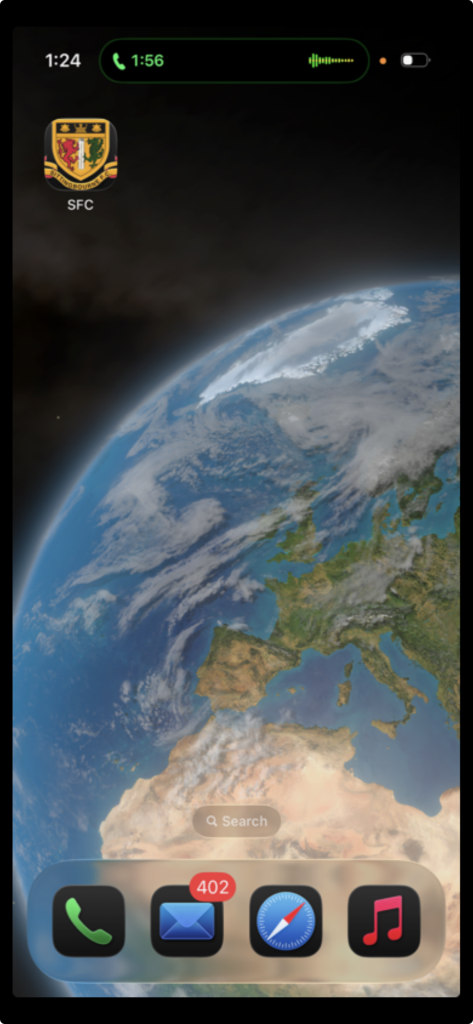
I have released a Sittingbourne Football Club app that is suitable for IOS (Apple), Android and Windows.
As it is so new it is not yet in the Google Play store or the IOS App store.
This app uses PWA technology and does not have to be installed from a store.
Below are instructions for installation: (IOS and Android are very similar)
IOS (Apple iphone & ipad)
1. Go to our web site, https://sittingbournefc.org, using any browser (these instructions are for
the Safari browser but Google Chrome is very similar).
2. Click on the three dots (…) at the bottom right of the screen
3. At the top is “share”. Click on that.
4. Click on “view more”.
5. Click on “add to home screen)
6. Click on (if its not already open) (open as a web app).
Android
1. Go to our web site, https://sittingbournefc.org using Chrome
2. Click on the three dots (…) at the top right of the screen.
3. Click on “Add to home screen”.
4. At next screen (install app) click on “install”.
App will now appear on home screen.
Windows (using Edge)
1. Click on three dots, top right of browser. (…)
2. Click on “More Tools”
3. Click on “Apps”
4. Click on “Install Sittingbourne FC”
5. A message will now appear on the front page of the Browser
inviting you to install the app.
6. Onec installed, clear the browser down.
7. Reopen the browser at http://sittingbournefc.org
8. Go to the three dots (…)
9. Go to more tools
10. Go to open Sittingbourne Football Club
11. You will then get a window allowing you to “Create a shortcut”
or “Auto start on device login”.
THIS APP IS NOT JUST A DESKTOP SHORTCUT. IT IS A PROFESSIONAL APP WITH JUST A DIFFERENT
WAY TO INSTALL UNTILL WE GET IT OFFICIALLY IN THE RESPECTIVE STORES
Any problems please contact, john, the developer of the app via email (john@sittingbournefc.com).